Hi,
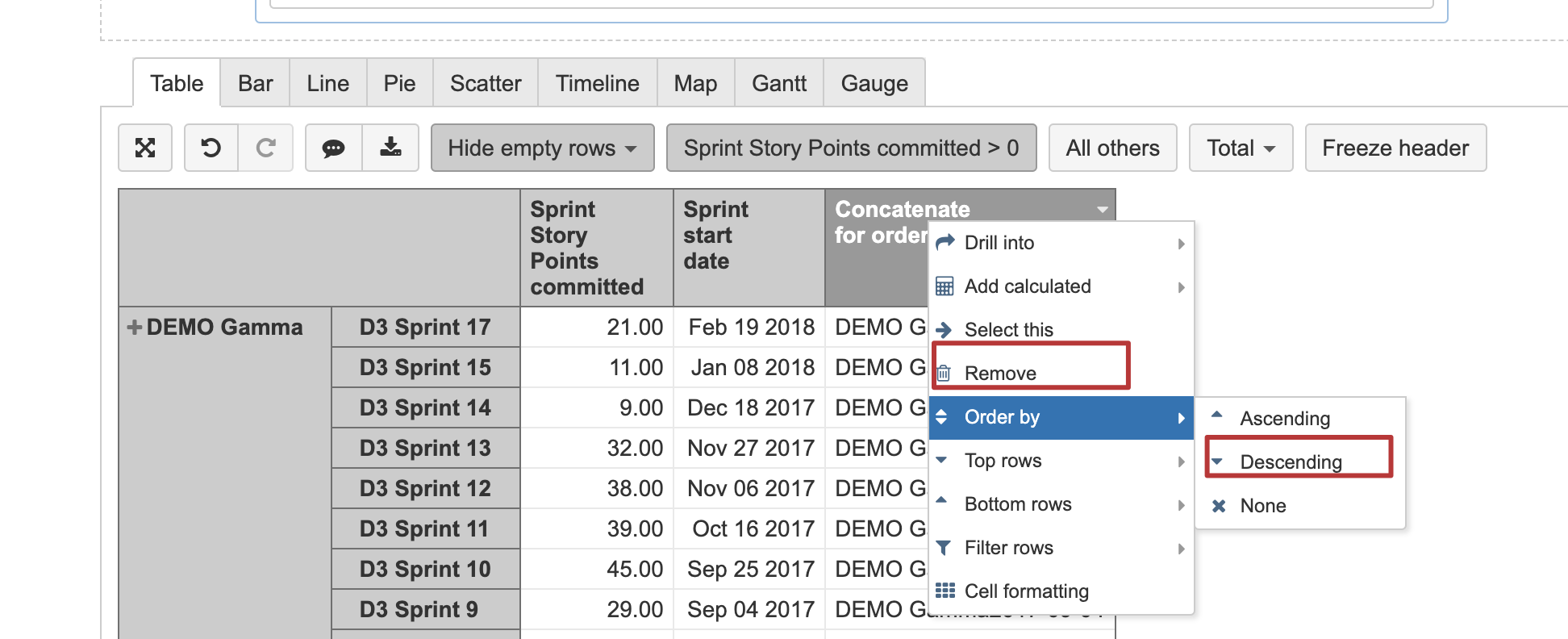
There are known limitations for the ordering function to work correctly with a combination of the dimensions like in your report. A possible workaround is to implement a new custom measure for ordering. You can concatenate the project name with the timestamp of the sprint start date and apply the ordering on this measure in the descending order. I tried the following formula (note the formatting to show the measure as string):

You can remove this measure from the report, and the ordering will be preserved.
Kindly,
Janis, eazyBI support