Hi everyone,
I need to build a report showing worklogs entered strictly after an issue is resolved (excluding the resolution day). I also need to see this data broken down by the “Logged by” and “Time” (Day level) dimensions.
I tried using these two MDX approaches, but iterating through all issues with Descendants causes severe performance issues and timeouts in our environment.
Approach 1:
NonZero(Sum(
  Filter(
    Descendants([Issue].CurrentMember, [Issue].[Issue]),
    DateBeforePeriodEnd(
      [Issue].CurrentMember.get('Resolved at'),
      [Time].CurrentHierarchyMember
    )
    AND
    DateDiffDays(
      DateWithoutTime([Issue].CurrentMember.get('Resolved at')),
      [Time].CurrentHierarchyMember.StartDate
    ) > 0
  ),
  [Measures].[Hours spent]
))
Approach 2:
NonZero(Sum(
  Filter(
    Descendants([Issue].CurrentMember, [Issue].[Issue]),
    NOT IsEmpty([Issue].CurrentMember.get('Resolved at'))
    AND
    DateCompare(
      DateWithoutTime([Issue].CurrentMember.get('Resolved at')),
      [Time].CurrentHierarchyMember.StartDate
    ) < 0
  ),
  [Measures].[Hours spent]
))
What is the healthiest way to report these time logs? If there is a better MDX suggestion or an entirely different method, I am open to suggestions.
Thanks!
Hi @UmutEkinAL
Please tell me more about the layout for the report (what other dimensions besides “Logged by” would you use in rows, columns, page filters). Maybe there are properties that can be used to filter the set of issues more quickly.
Or, maybe you can consider creating a new account-specific calculated field with JavaScript to return the worklog author and worklog dates after issue resolution and map this field by Logged by and time periods so you can have a new measure “Hours spent after resolution” which works fast with Logged by and Time periods, because it would be a pre-calculated field instead of complex MDX calculations.
But the code would depend on what tracking tool you use in Jira (Tempo vs native) to register worklogs, and what the environment is (Cloud vs DC).
Feel free to reach out to support@eazyBI.com and provide the details if you can’t share them here.
Martins / eazyBI
Hi Martins,
Thanks for the great suggestion. We are on Jira Data Center and we use Tempo Timesheets for time tracking.
I’m actually quite interested in the JavaScript calculated field approach you mentioned. Since performance is a priority for us on Data Center, having a pre-calculated measure for hours logged after resolution sounds like a very efficient way to handle this.
If you could share some examples or point me toward the logic for such a script—especially considering we use Tempo—I would really appreciate it. I’m flexible with the report layout and happy to build it around whatever technical solution works best.
Thanks
Umut
Try this JavaScript
if(issue.fields.resolutiondate){

var wlogarray = new Array();
if (issue.fields.worklog && issue.fields.worklog.worklogs && issue.fields.worklog.worklogs.length > 0) {
  var wlogs = issue.fields.worklog.worklogs;
  for (var i = 0; i < wlogs.length; i++) {
    var wlog = wlogs[i];

    if (wlog.created && wlog.author && wlog.started > issue.fields.resolutiondate) {
      wlogarray.push(wlog.started.substr(0,10) + "," + wlog.author.key + "," + wlog.timeSpentSeconds/3600);

    }
  }
};
return wlogarray.join("\n");
}
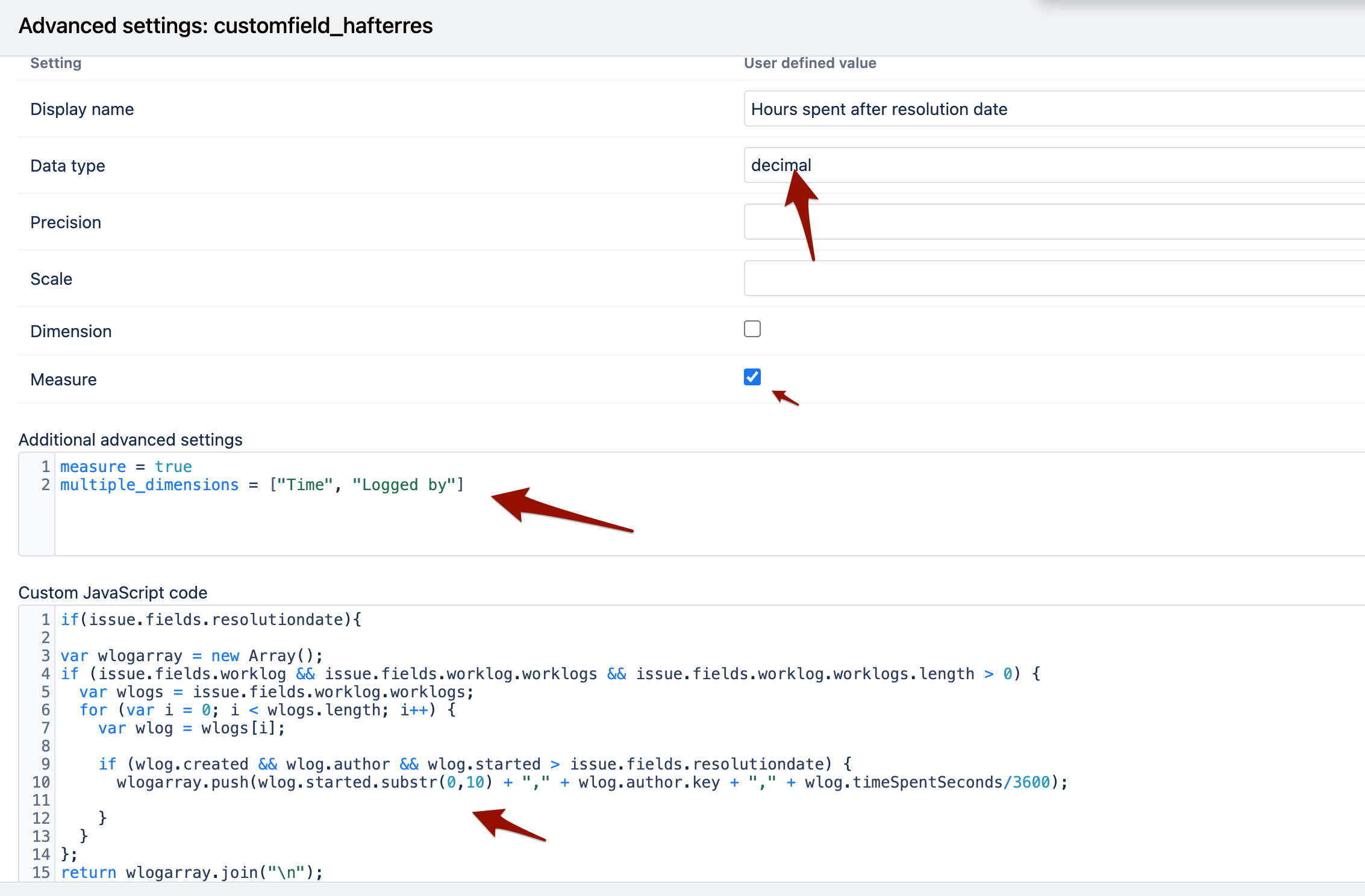
And don’t forget to add additional advanced settings:
measure = true
multiple_dimensions = ["Time", "Logged by"]
Find more examples here: Calculated field examples
Note, you can use our custom field AI assistant to update such JavaScript very easily.
Martins / eazyBI
Hi Martins,
Thank you for the detailed explanation and the JavaScript example.
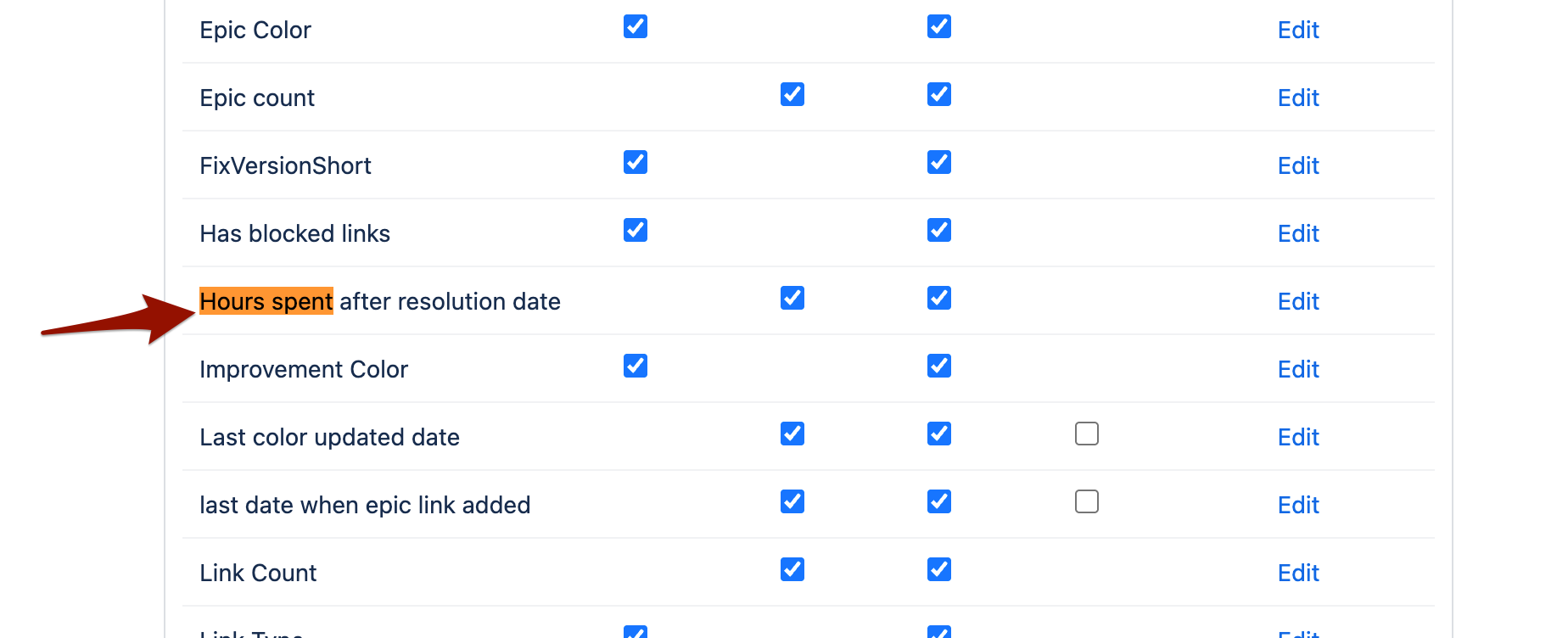
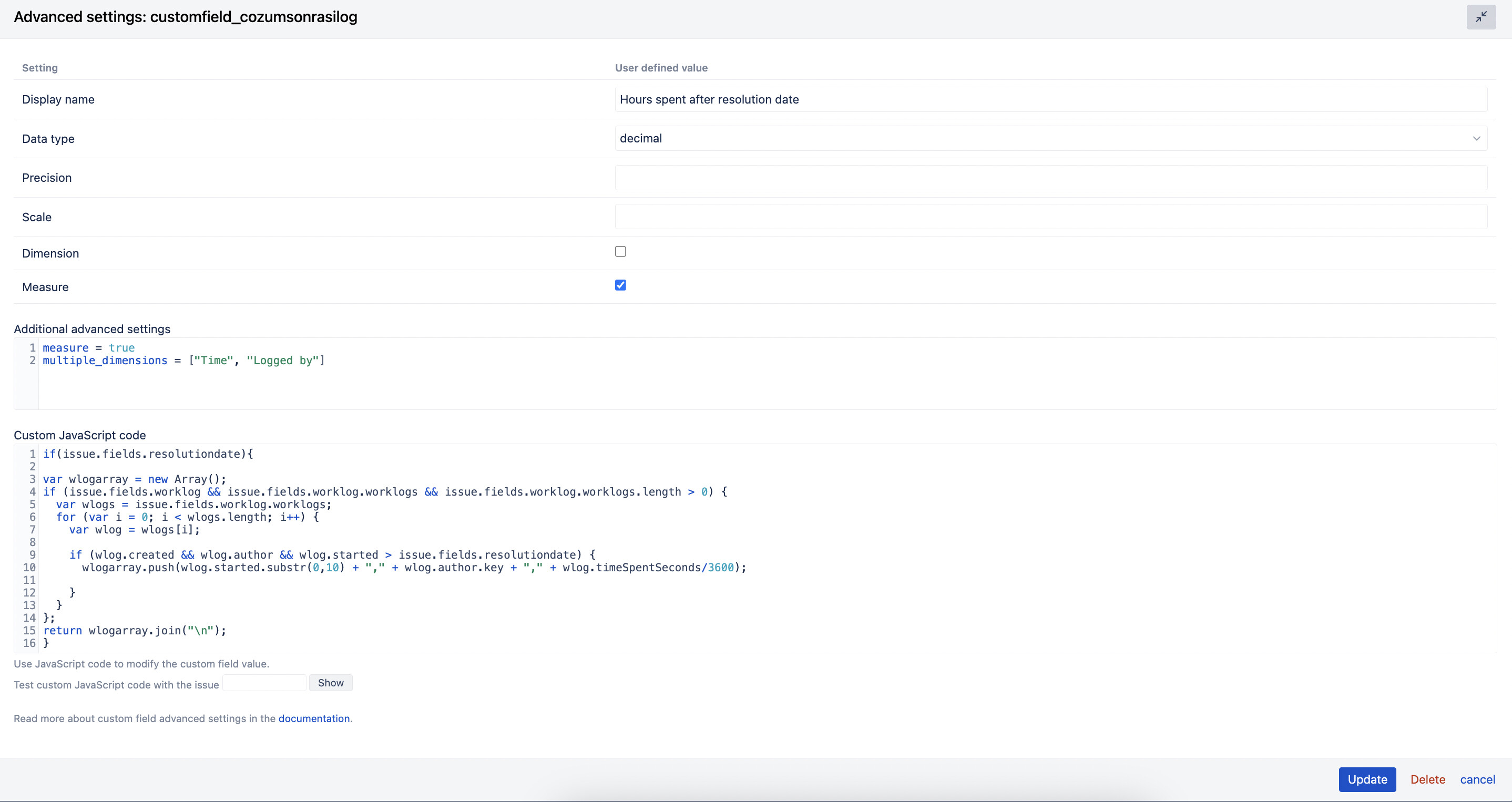
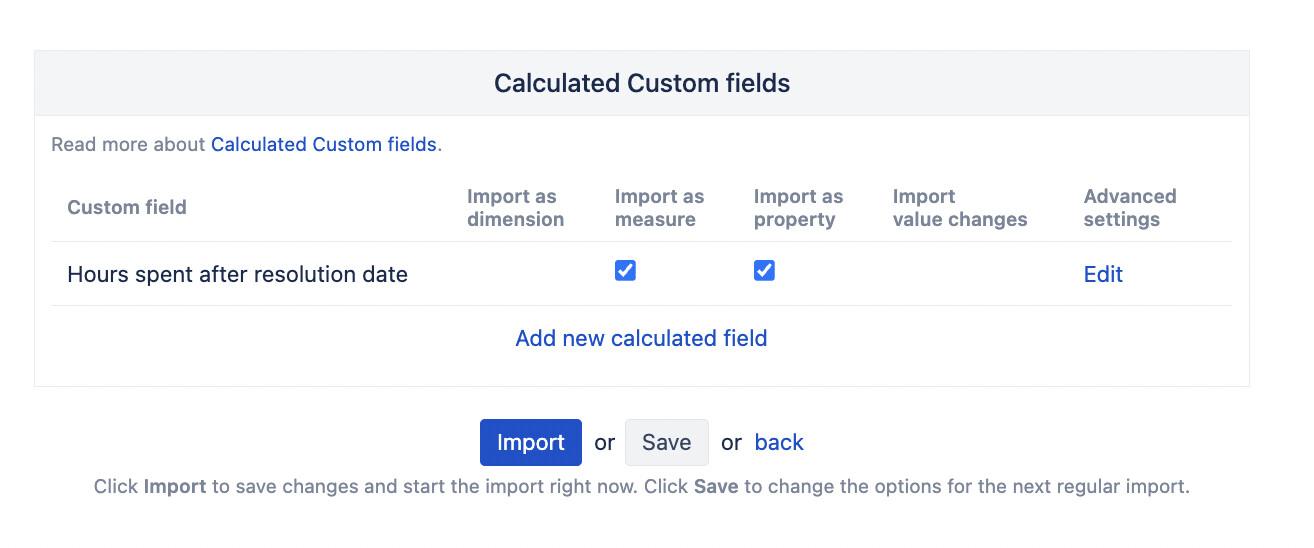
I followed your instructions precisely: I created the calculated field, added the additional advanced settings, put the JavaScript code, enabled it in the custom fields tab, and ran a clean import.
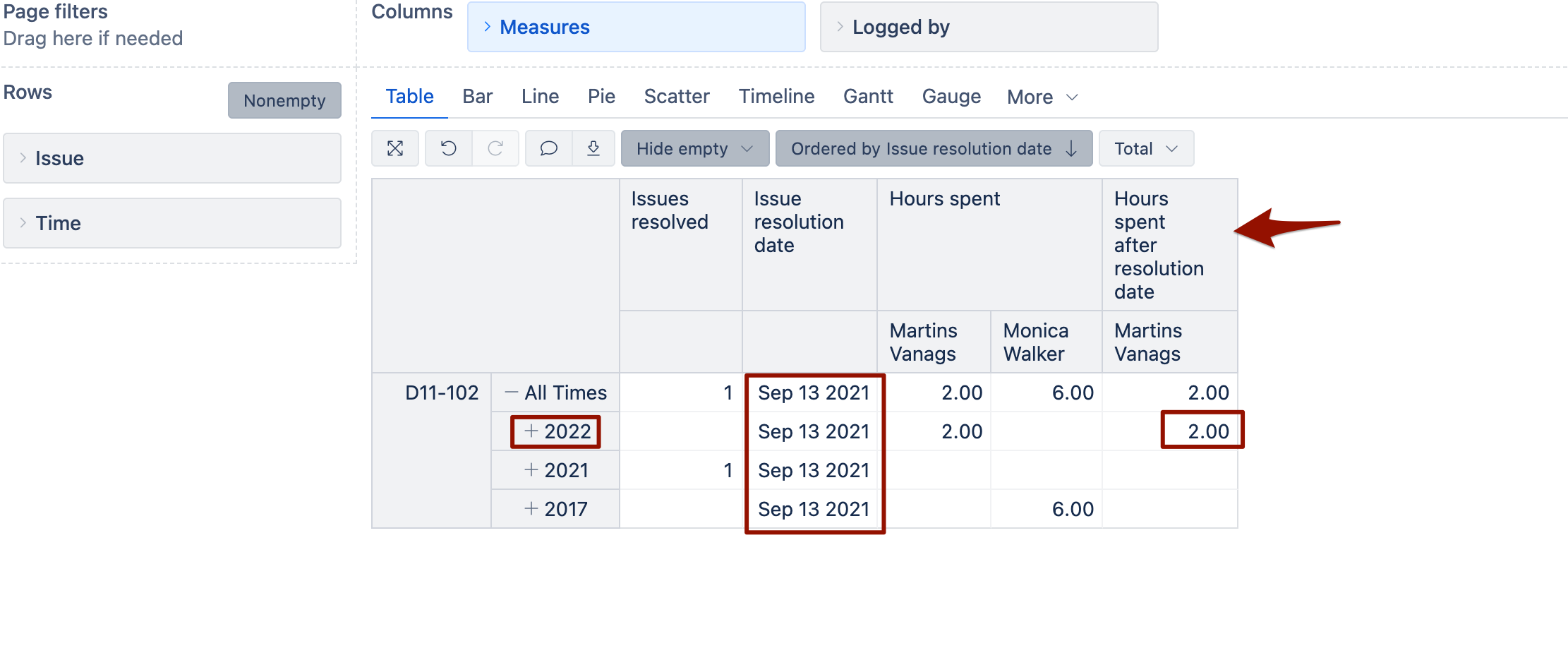
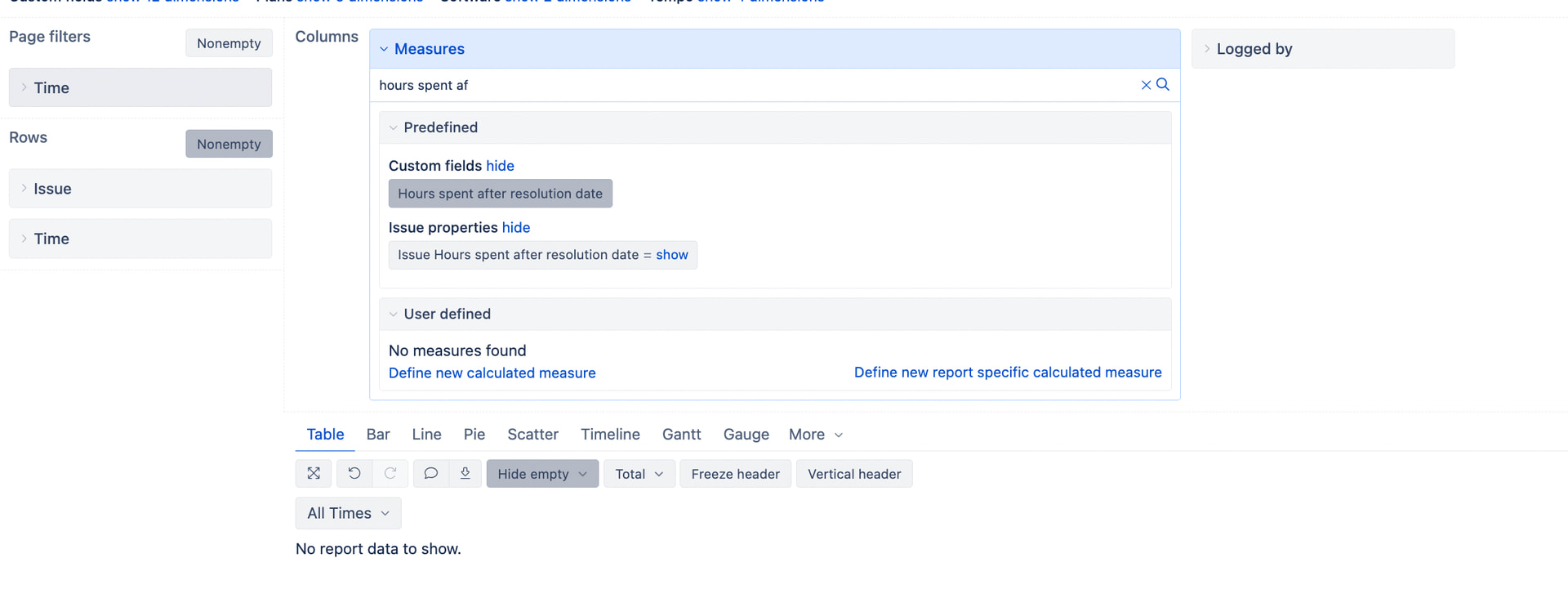
However, the report returns no data for the new measure (it’s completely blank). To isolate the problem, I even removed the standard “Hours spent” measure from the report as you can see in my layout, but the new column still shows empty cells.
Two important details about our environment that might be causing this:
- As I mentioned earlier, we use Tempo Timesheets for time tracking on Jira Data Center. Does the
issue.fields.worklog.worklogs array contain the Tempo worklogs properly during the import cycle in Data Center, or should we use a specific Tempo property/syntax here?
- Since we are on Jira Data Center, we don’t have the “Custom field AI assistant” available in our version to troubleshoot or optimize this code.
I am attaching the screenshots of my calculated field configuration, the advanced settings, and the final state of my report layout.
Could you please help me adapt this logic so it correctly captures our Tempo worklogs?
Thanks,
Umut
Hi again @martins.vanags,
Sorry, I forgot to tag you.
Thanks,
Umut
@UmutEkinAL
Please contact support@eazybi.com and send JSON file from Jira for one ticket that has hours after resolution date.
To get JSON of the issue open an issue in Jira. Modify the URL of the issue replacing browse with rest/api/latest/issue and then add ?expand=changelog at the end of the URL.
Save the JSON results of the issue as the file and share it with our support.
Also, tell us the eazyBI version you are using on your Data Center.
Martins