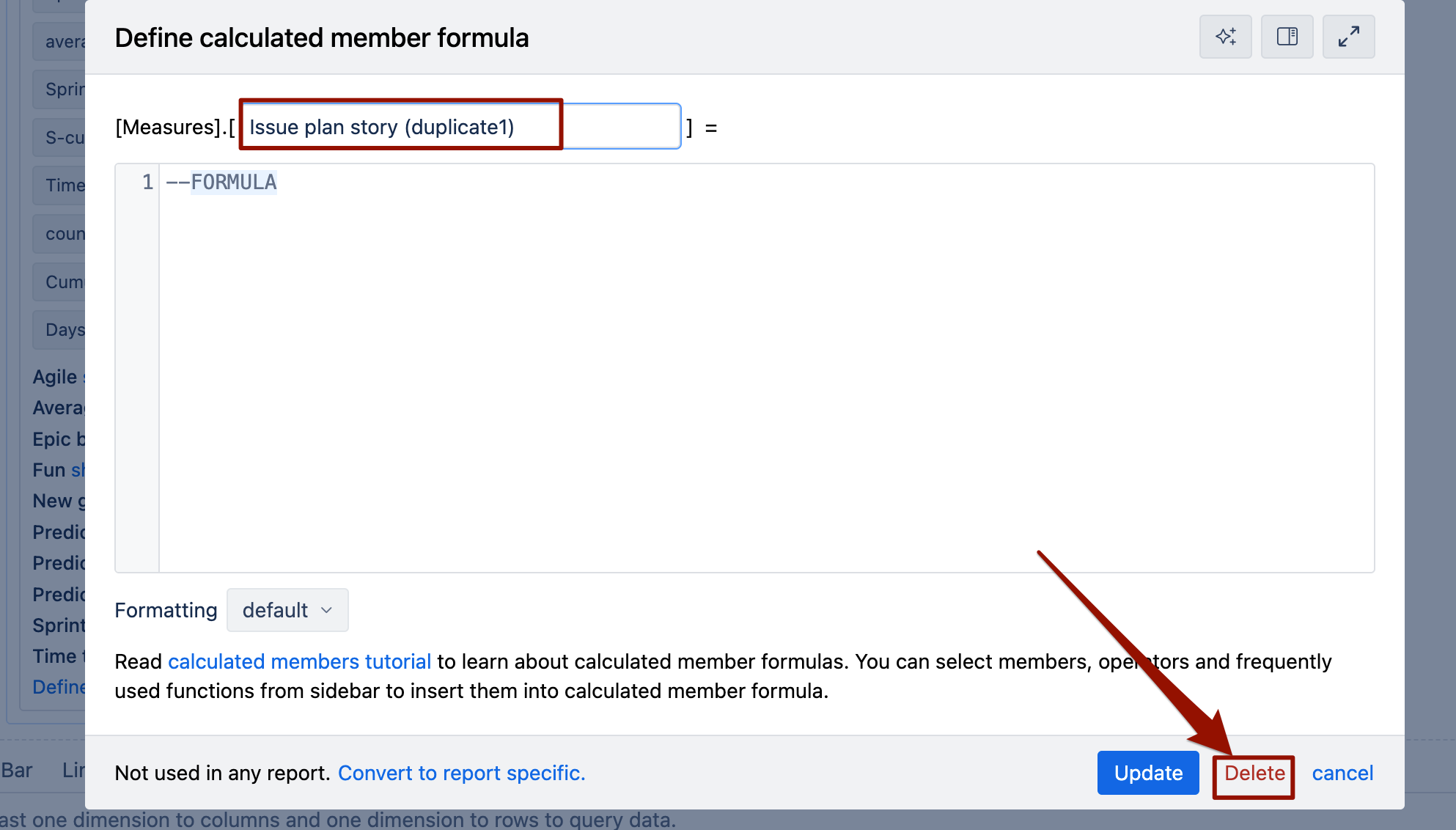
My EazyBI account decided to duplicate my predefined measures. Renaming them as the same thing followed by ‘(duplicate 1)’. They just popped up today then like 5 more popped up about 5 minutes ago. For example, we have an ‘Issue plan story’ predefined measure and we now have a ‘Issue plan story (duplicate 1)’ predefined measure. Is there a way to get rid of these duplicates? Screenshots aren’t uploading on this site so I will try to attach them after I post.
Hi @Tyler_Celek
If you noticed this renaming issue in eazyBI report builder, it is safe to delete measures with the suffix “(duplicate 1)” in the name. This type of duplicate typically occurs when there are field naming conflicts during import or when fields are renamed/recreated.
Those should and can be deleted manually from the eazyBI report builder when you open them in edit view.
Martins / eazyBI
Thanks @martins.vanags but these are predefined. The only options I have are “Update Formatting” and “Cancel”
I would show screen shots but they don’t upload for me
@martins.vanags CF component has duplicated 4 times now and I don’t even know what that is. I’m assuming I just have to go to import settings and take it off the import to fix the duplication?
Please contact support@eazybi.com and provide more details about this case.
Martins / eazyBI support