I would like some help to built 3 following custom Measures :
Measure #1 : “Time to first Assignement”
This measure should calculate the time (in hours) between issue creation date and the time issue was first assigned (Assignee field changed from blank to user).
Exemple : Issue was created at 9a.m. and was assigned same day at 11a.m. then “Time to first Assignement” = 2 hours.
Measure #2 : “Was issue Reopened”
This measure is a boolean and should output YES or NO, if the issue has transitioned from “Resolved” status to “In Progress” status. The transition name is “Reopen”.
Measure #3 : “List of Affected teams”
We have a custom field called “Affected team” and we would like this measure to list all the values that has been set to this customfield.
Example : Custom field “Affect team” changed value 3 times : IT Security, IT Access and IT Network.
Then measure **“List of Affected teams” should display “**IT Security, IT Access and IT Network”.
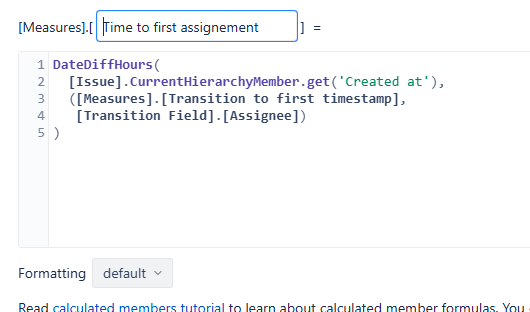
DateDiffHours(
  [Issue].CurrentHierarchyMember.get('Created at'),
  ([Measures].[Transition to first timestamp],
[Transition Field].[Assignee])
)
Your 2nd point should be with this tuple:
CASE WHEN
  ([Measures].[Transitions to status],
   [Transition].["Resolved → In Progress"]) > 0
THEN "Yes"
ELSE "No"
END
And for the last one. In the case you want to show this multivalue in a list-comma-separated it could be better to create a new dimension with some Javascript code like this one:
if (issue.fields.customfield_XXX) {
  customfield_affectedTeams = "";
  for (let i = 0; i < issue.fields.customfield_XXX.length; i++) {
    customfield_affectedTeams += issue.fields.customfield_XXX[i].value + ", ";
  }

return customfield_affectedTeams.trim().slice(0, -1);
}
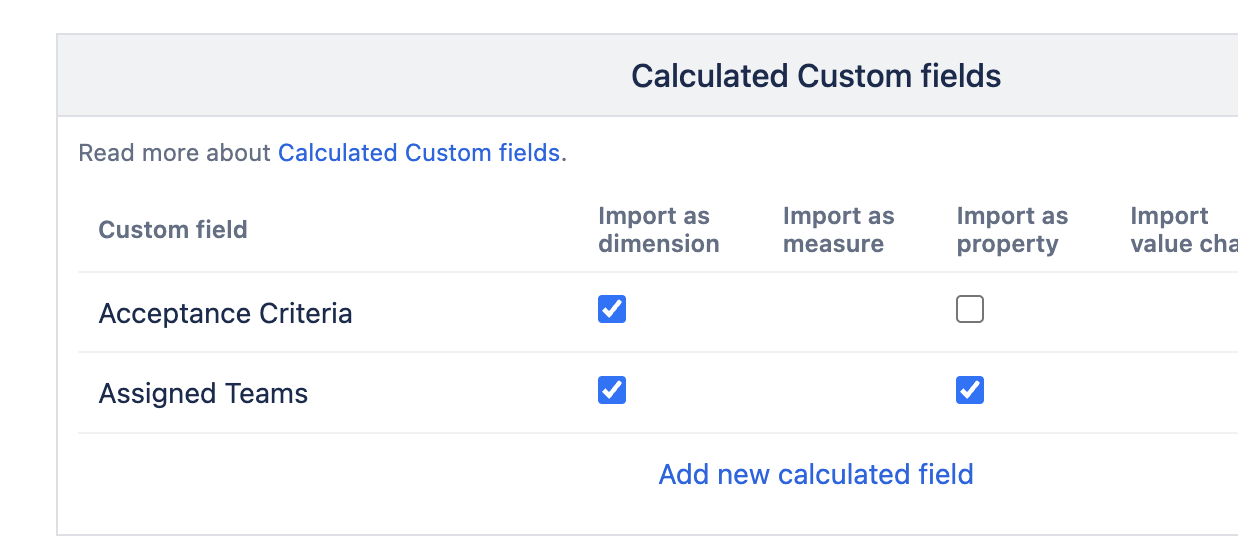
In the Custom Fields, at the bottom clicking on “add new calculated field”
3rd Topic : I think that my explanation was not clear.
The customfield called “Affected Services” is a Single value field.
I was a measure that lists all the values that has been set to this customfield for a given issue. I mean all changes to this customfield in the issue history.
For example : if issue value changed from “blank” to “IT Security”, then from “IT Security” to “IT System”. Then my custom eazyBi measure should return the following string “IT Security, IT System“
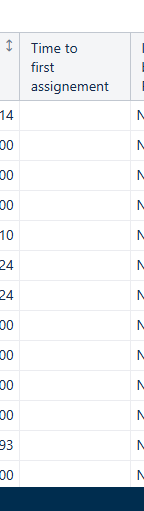
The first expression is using the issue property “Created at“. It would return the time on the individual issue level. It also depends on the Time context in the report and would only deliver value in the period where the assignee was changed.
You might reset the Time context using .DefaultMember.
Another problem is that the timestamp returned by “Transition to first timestamp“ is not compatible with a date returned by the issue created date property.
You need to convert the timestamp back to a date for proper calculation.
The updated expression might then be as follows.
DateDiffHours(
  [Issue].CurrentHierarchyMember.get('Created at'),
  TimestampToDate(
   ([Measures].[Transition to first timestamp],
    [Transition Field].[Assignee],
    [Time].CurrentHierarchy.DefaultMember)
   )
)
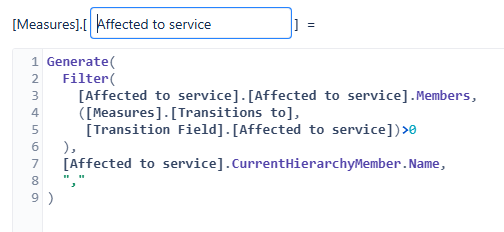
If you want to see the list of historical values for the dimension “Affected Services“, you might try using the following expression.
For The 1st one “Time to first assignement” is working great but It does not take into account working hours. Can you please help me to restrict the counter to monday-friday 8am-6pm ?
If you need to see the time in business hours, you might use the DateDiffWorkHours() function instead of the DateDiffHours().
Please read more about DateDiffWorkHours() here - DateDiffWorkHours .
The second expression for historical values implies that you have also imported the change history for the field. This is only possible if the field change history is recorded in the Jira issue changelog history.
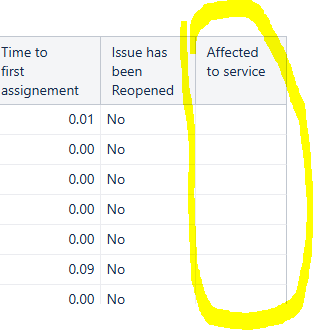
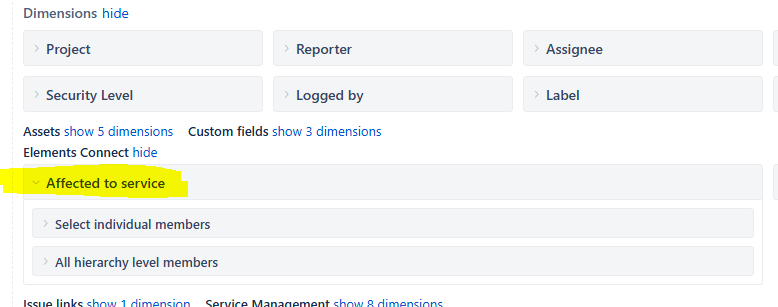
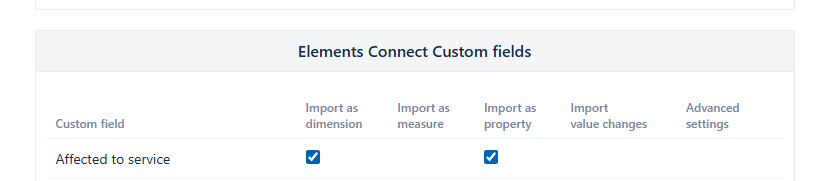
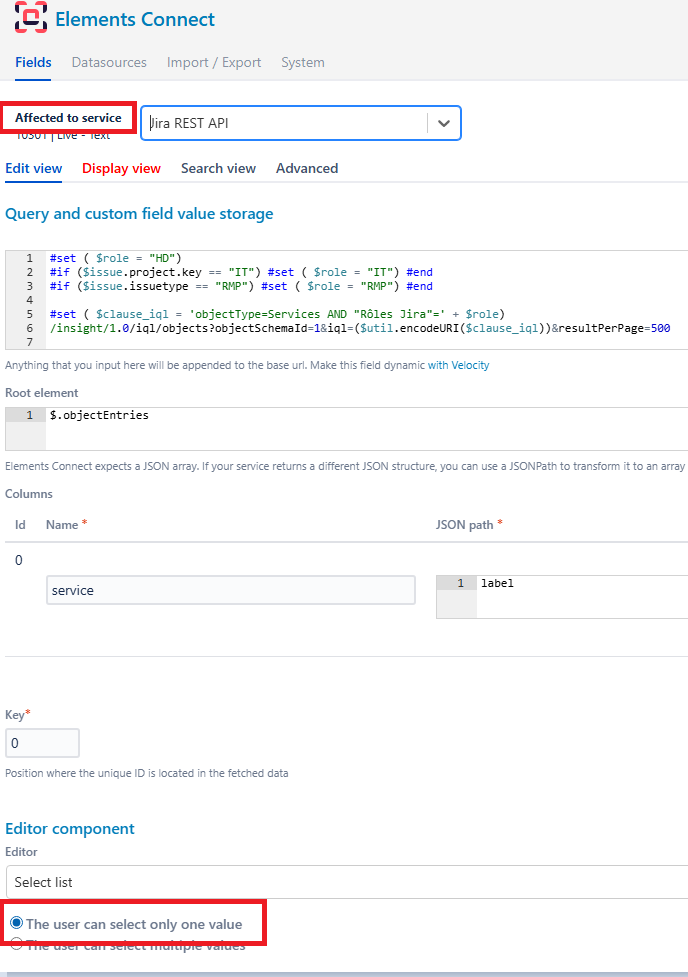
Please check the field “Affected to service“ import options in the Source Data tab Jira import options.
It looks like the “Affected to service” field is either:
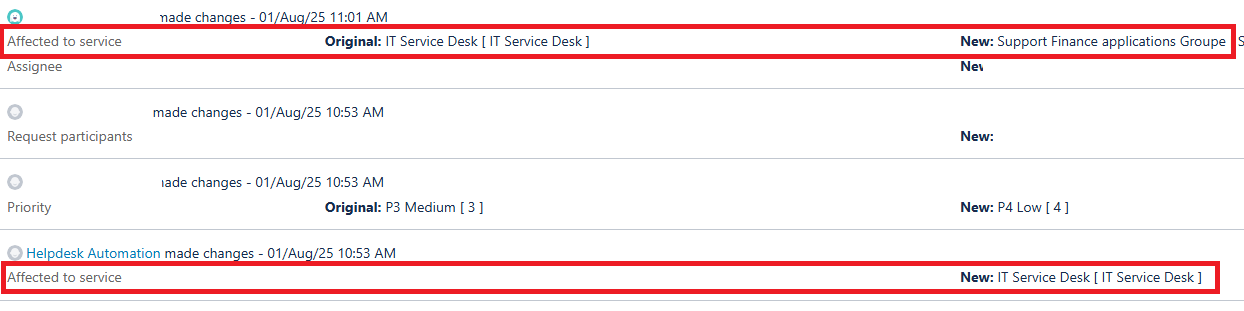
a) not saving changes to Jira changelog - you might check in the issue changelog
b) not a single-select field - history not supported for multi-value fields
This could prevent the value change from being imported into the eazyBI data cube.
In that case, the historical values will not be available as eazyBI will not be able to get the history.
Please export issue JSON data by opening an issue in Jira. Modify the URL of the issue replacing browse with rest/api/latest/issue and then add ?expand=changelog at the end of the URL. Save the JSON results of the issue as the file and send it to support e-mail: support@eazyBI.com
I will check the JSON structure and will consult with the developer team about the possible causes for the data not coming through.