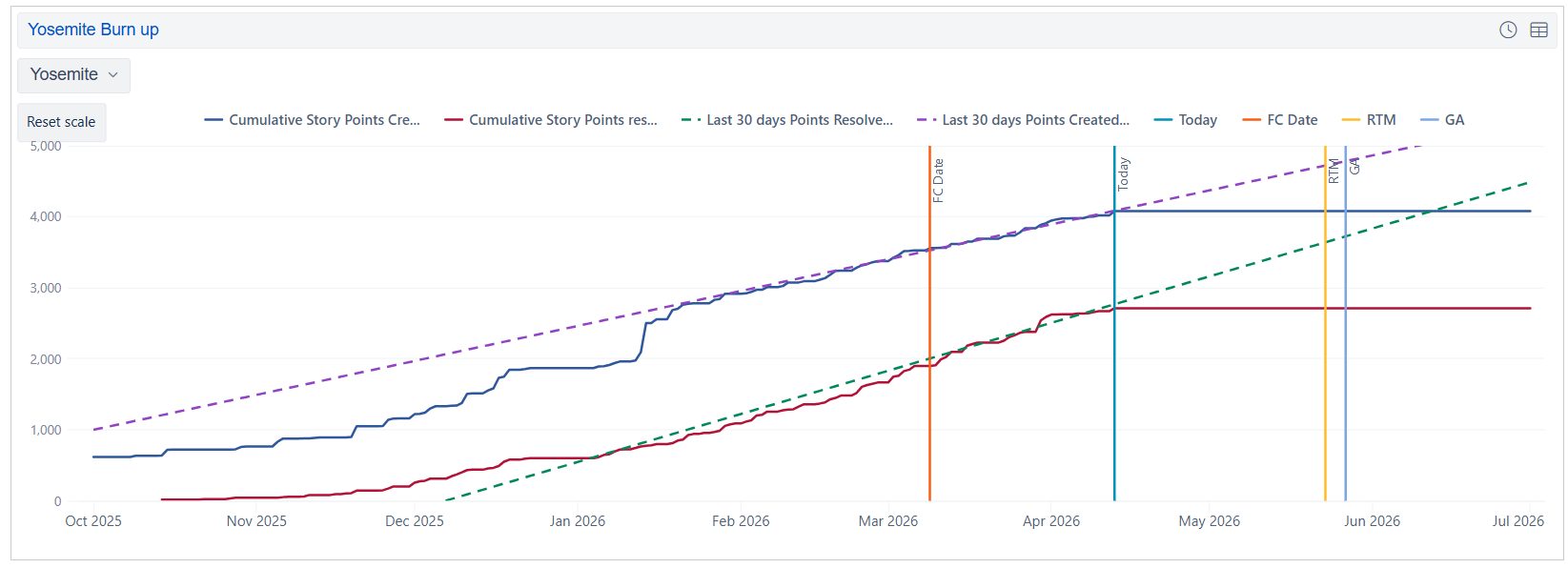
I have a timeline burn up by FixedVersion. I want to exclude all of the issues that have a ”Release Commit” value of “Out of Band” from my timeline. Is that possible?
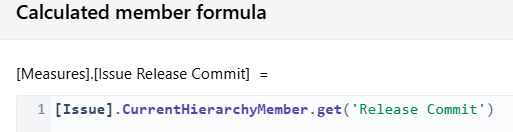
Here is the field
Here is the timeline. I do not want epics that are “Out of Band”
Hi @Michael.Hermann,
You can exclude “Out of Band” issues from your timeline using the “Release Commit” dimension as a filter in the report.
Here is a simplified scenario:
Currently, “Release Commit” is imported as a property, but you can import it as a dimension to group and filter data in the reports and calculations.
Add the “Release Commit” dimension on report pages to filter data.
In the “Release Commit”, create a calculated member to group all possible values except “Out of Band” using function Except() (see documentation for more details: Calculated members in other dimensions ).
Aggregate(
  Except(
    [Release Commit].[Release Commit].Members,
    {[Release Commit].[Out of Band]}
  )
)
An alternative method is to make a new calculated field in import options to group all issues into two large groups: “Out of Band” and valid issues. Then import this calculated field as a dimension and use it in the report to filter data. More details in the documentation: Account specific calculated fields.
Best,
Zane / support@eazyBI.com
BOOM! That did it! Thanks Zane!
Hey Zane, I noticed a flaw in my logic and I was wondering if you could help there as well. My goal is to get a burn up of all of the User Stories under the Epics targeted for “Yosemite”. not just any issue type targeted for “Yosemite”. What adjustment could I make, to make that happen?
The dimensions represent values of issues themselves. If yuo want to filter data by values assigned to Epics or Parent issues, yuo shuodl use link field dimensions or JavaScript calcauted fields: Issue link field dimensions
I your case, you will require a JavaScript calculated field to filter data by Epic field values because Relese Commit is a custom field. The idea is to create field that checks on Release Commit value and passes Epic values down to its child issues (User stories). Then use the new dimension to filter report data.
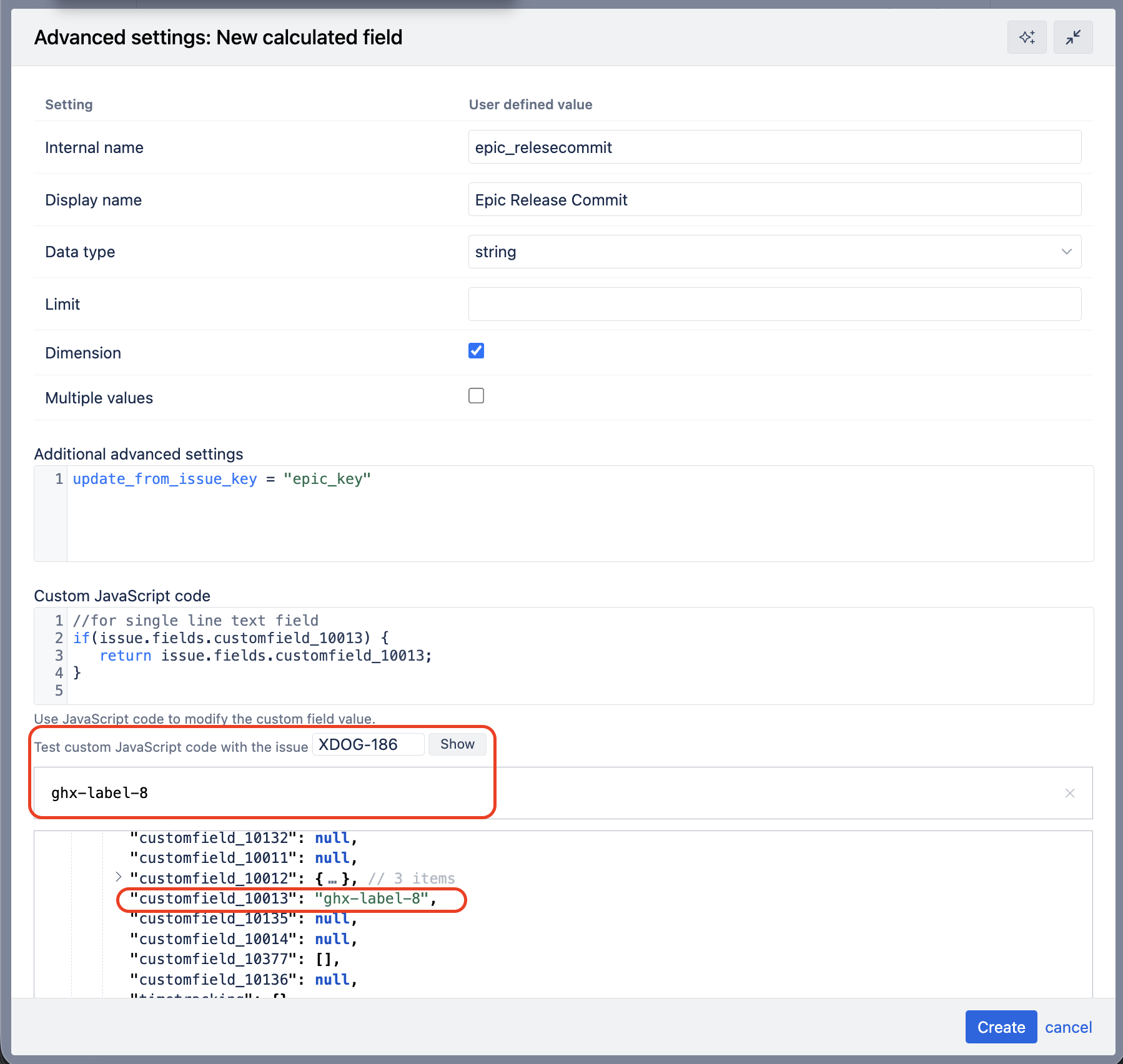
In import options, add new calculated field “Epic Release Commit”.
Follow the field configuration as shown in the documentation: Epic level custom field
To validate the Javascript code, test it on a sigle Epic issue, not User story (the magic of passing down the value happens during data import not in the JavaScript logic). This is also a good method to check the custom field ID and the way it is stored for issue.
Optional: you can use JavaScript to clean up release commit values, grep on key words, or group them in logical groups to use this dimension for filtering more conveniently. This is optional and you can do it later if there is a need for that.
Best,
Zane / support@eazyBI.com
Got it. So what if I do this, it works, the Epic release commit value gets handed down to the user story, but then 2 weeks later the epics release commit changes? Will the new epic release commit value get handed down to the User story during the next import?
If you update the Epic and change the release commit, during the next import, eazyBI will update the calculated JavaScript field value and pass the new value down to Epic child issues.
Got it! I will give it a go! Thanks again Zane!