I am currently using the pre-defined Average age days predefined measure to compute defect aging. However, I have an issue:
For defects that were once moved to Deferred and then later brought back to In Progress/Open, the Average age days calculation still starts from the defect’s Created date.
This inflates the aging values because it does not account for the time the defect spent in Deferred.
I want the aging calculation to start from the last time the issue transitioned to an Open status rather than from the issue’s created timestamp.
In other words, if a defect is moved to Deferred and later reopened, its age needs to be recalculated from the point it was transitioned back to Open.
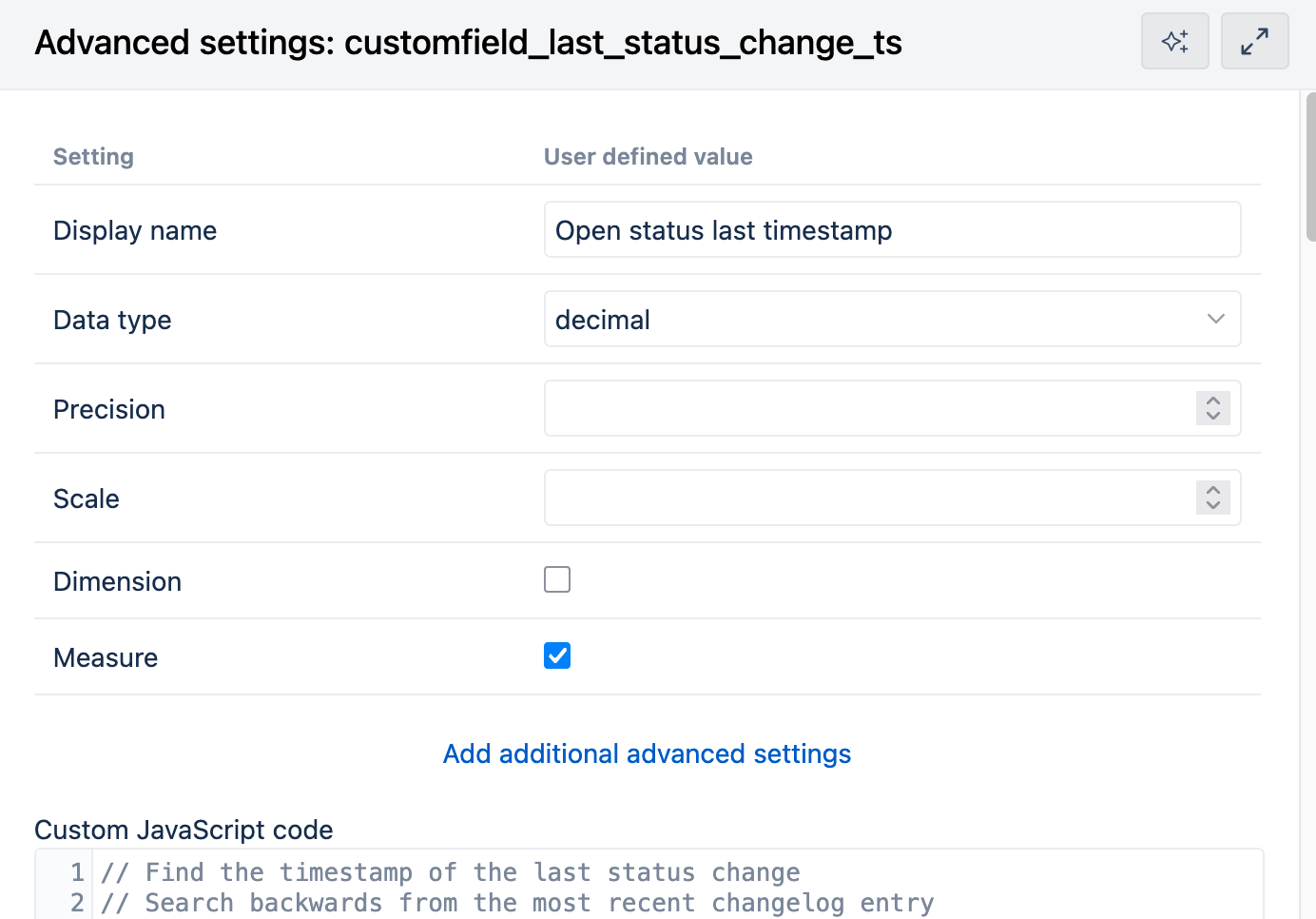
Use the following JavaScript (note to update the open_status list:
// Find the timestamp of the last status change
// Search backwards from the most recent changelog entry
var open_statuses =["In Progress","Open"];

// For open issues only
if (open_statuses.indexOf(issue.fields.status.name)>=0) {
if (issue.changelog && issue.changelog.histories) {
  for (let i = issue.changelog.histories.length - 1; i >= 0; i--) {
    let history = issue.changelog.histories[i];
    if (history.items) {
      for (let j = 0; j < history.items.length; j++) {
        let item = history.items[j];

        // Check if this is a status change
        if (item.field == "status" && open_statuses.indexOf(item.toString)>=0) {
          // Found the most recent status change, return immediately
          return new Date(history.created).getTime() / 1000;
        }
      }
    }
  }
}

// No status change found, return the issue creation date

  return new Date(issue.fields.created).getTime() / 1000;
}
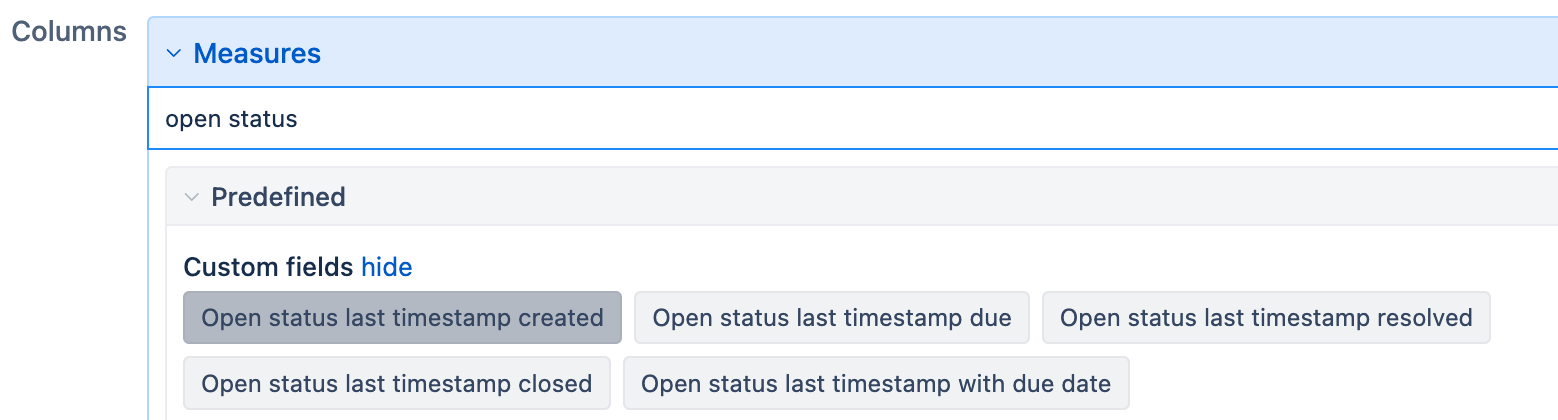
After the import a set of timestamp measures will be created: