Hi @Kawanaka,
Thanks for posting your question!
To count issues by time since last update when using Team or Assignee in Rows, you have a few approaches:
1) Use a predefined measure with the Time dimension.
Use the predefined measure “Issues last updated” combined with the Time dimension. This measure automatically aggregates correctly across any dimension (Team, Assignee, etc.).
-
Place Team or Assignee in Rows
-
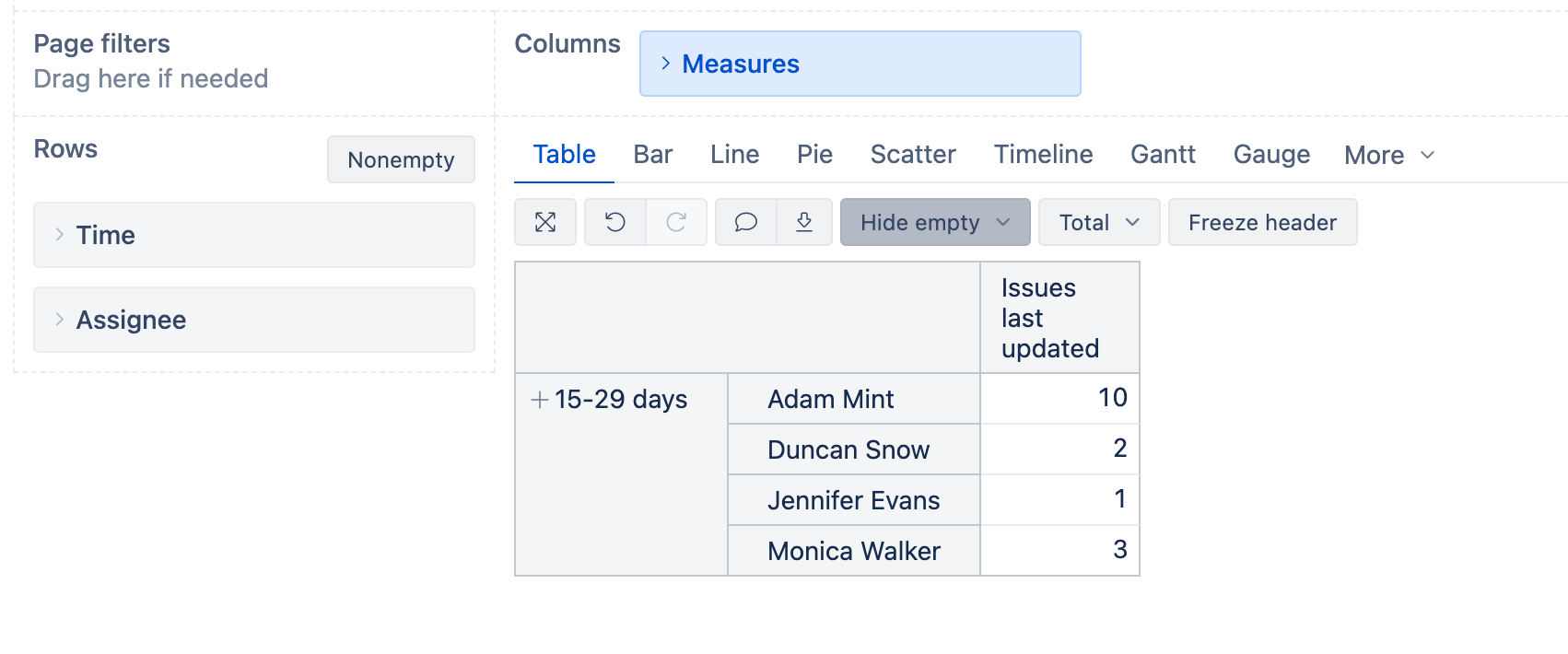
Create new calculated members in the Time dimension for 15-29 days and 30-59 days. Select them in the Report Rows.
-
The “Issues last updated” measure will count issues by their last update date
2) Create calculated measures with proper aggregation.
For more specific ranges, create calculated measures like this:
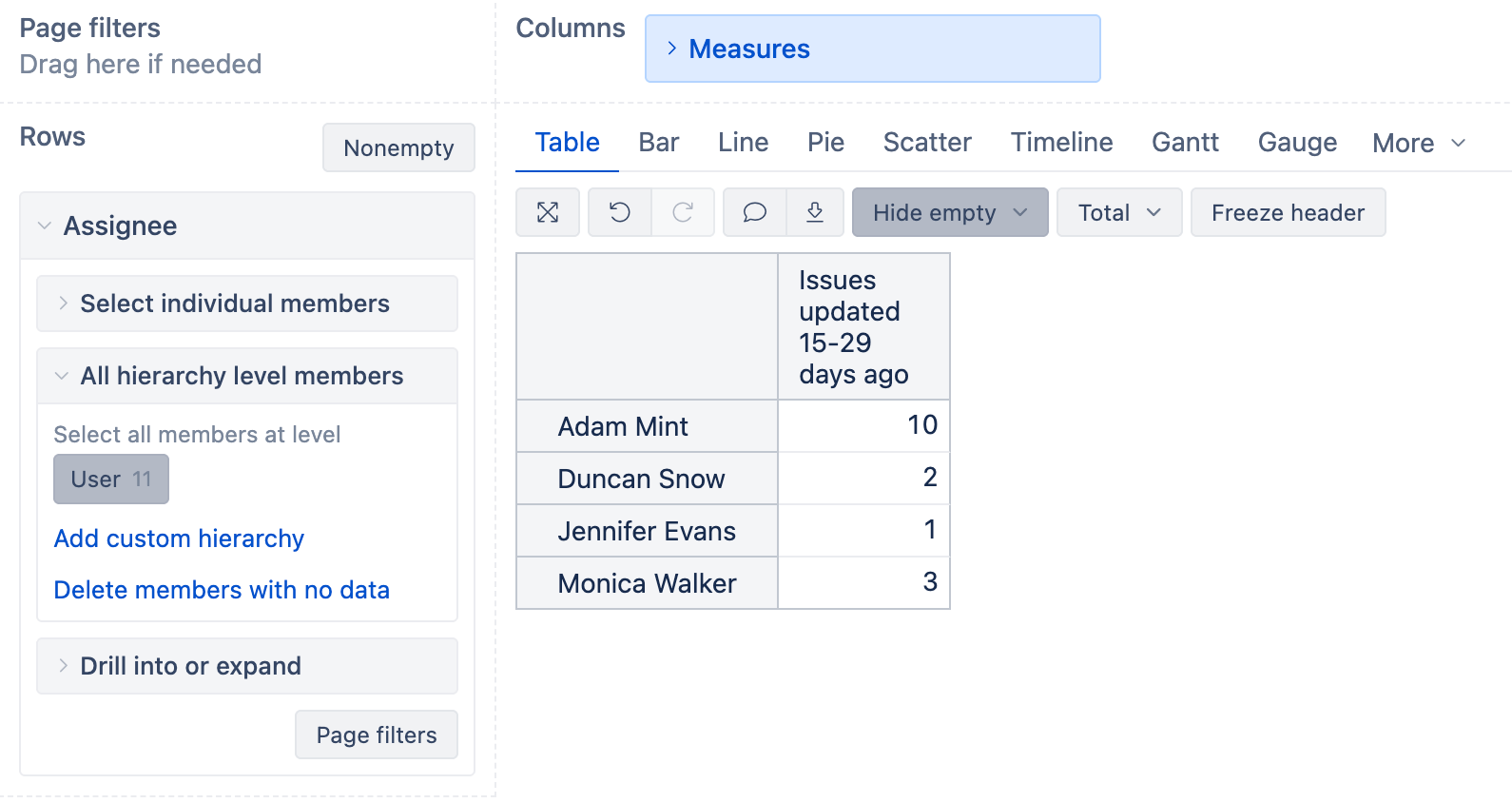
Issues updated 15-29 days ago:
Sum(
  Filter(
    Descendants([Issue].CurrentMember, [Issue].[Issue]),
    DateDiffDays([Measures].[Issue updated date], Now()) >= 15
    AND
    DateDiffDays([Measures].[Issue updated date], Now()) <= 29
  ),
  CASE WHEN [Measures].[Issues created] > 0 THEN 1 END
)
Issues updated 30-59 days ago:
Sum(
  Filter(
    Descendants([Issue].CurrentMember, [Issue].[Issue]),
    DateDiffDays([Measures].[Issue updated date], Now()) >= 30
    AND
    DateDiffDays([Measures].[Issue updated date], Now()) <= 59
  ),
  CASE WHEN [Measures].[Issues created] > 0 THEN 1 END
)
Here’s an example of this report from my instance:
3) Create “Age since updated interval” dimension.
Create a JavaScript calculated field that groups issues into intervals (15-29 days, 30-59 days, etc.). Then use this dimension in Rows/Pages with “Issues created” measure.
This requires adding a custom field in Source Data → Import options with JavaScript code and interval settings.
See Age since updated interval documentation
Best,
Marita from eazybi@support.com