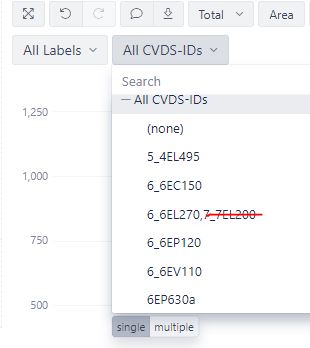
You might define a new JavaScript-calculated customfield dimension to import only the components matching the proper mask.
Please read more about defining account-specific customfields here - Account specific calculated fields.
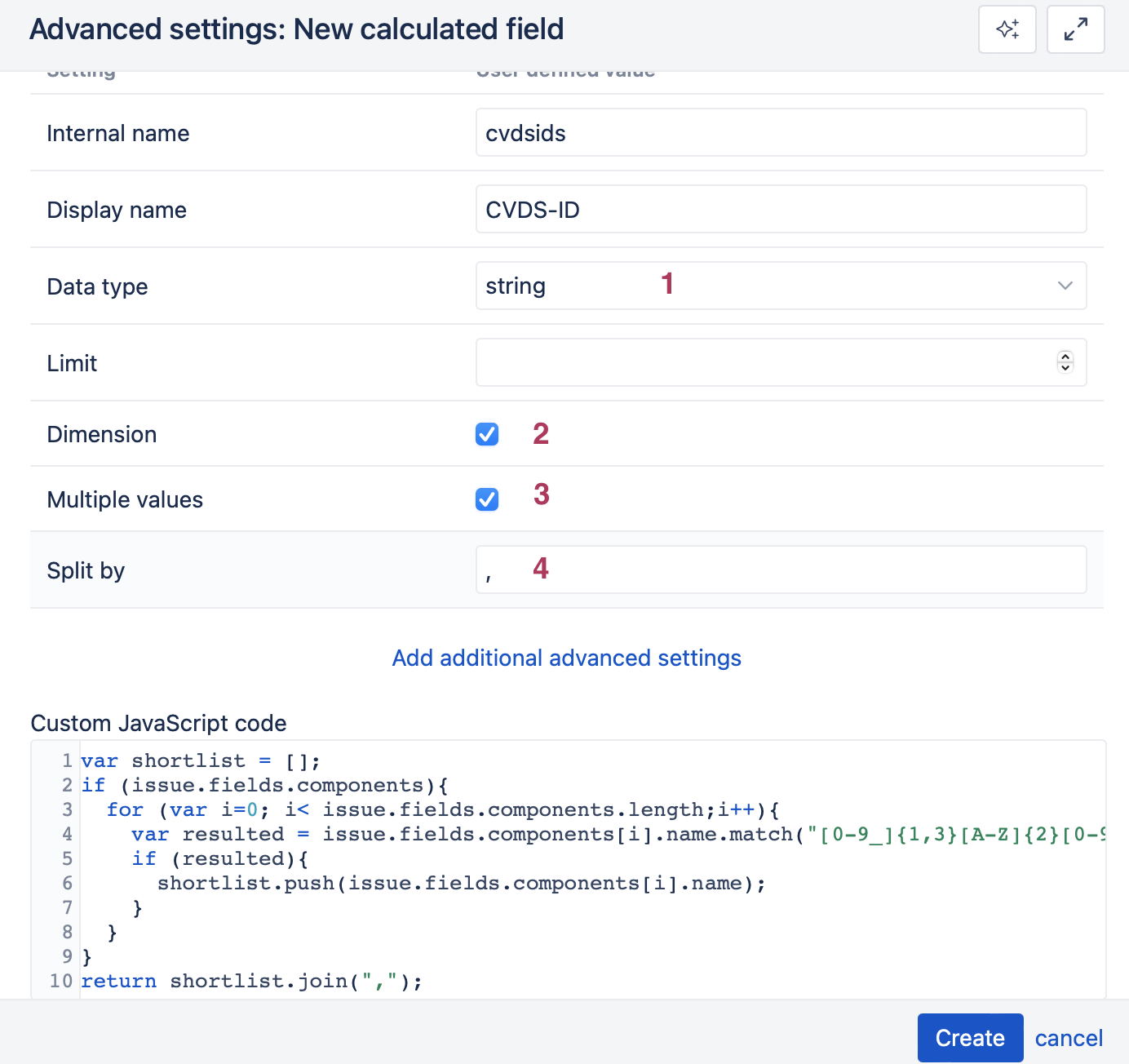
You could select the field to be imported as a string data type (1) and dimension (2)
var shortlist = [];
if (issue.fields.components){
  for (var i=0; i< issue.fields.components.length;i++){
    var resulted = issue.fields.components[i].name.match("[0-9_]{1,3}[A-Z]{2}[0-9]{3}");
    if (resulted){
      shortlist.push(issue.fields.components[i].name);}
 }}
return shortlist.join(",");
Put relevant selections to allow import as multiple values (3) split by a comma (4).
After that - select that field for import as a dimension.