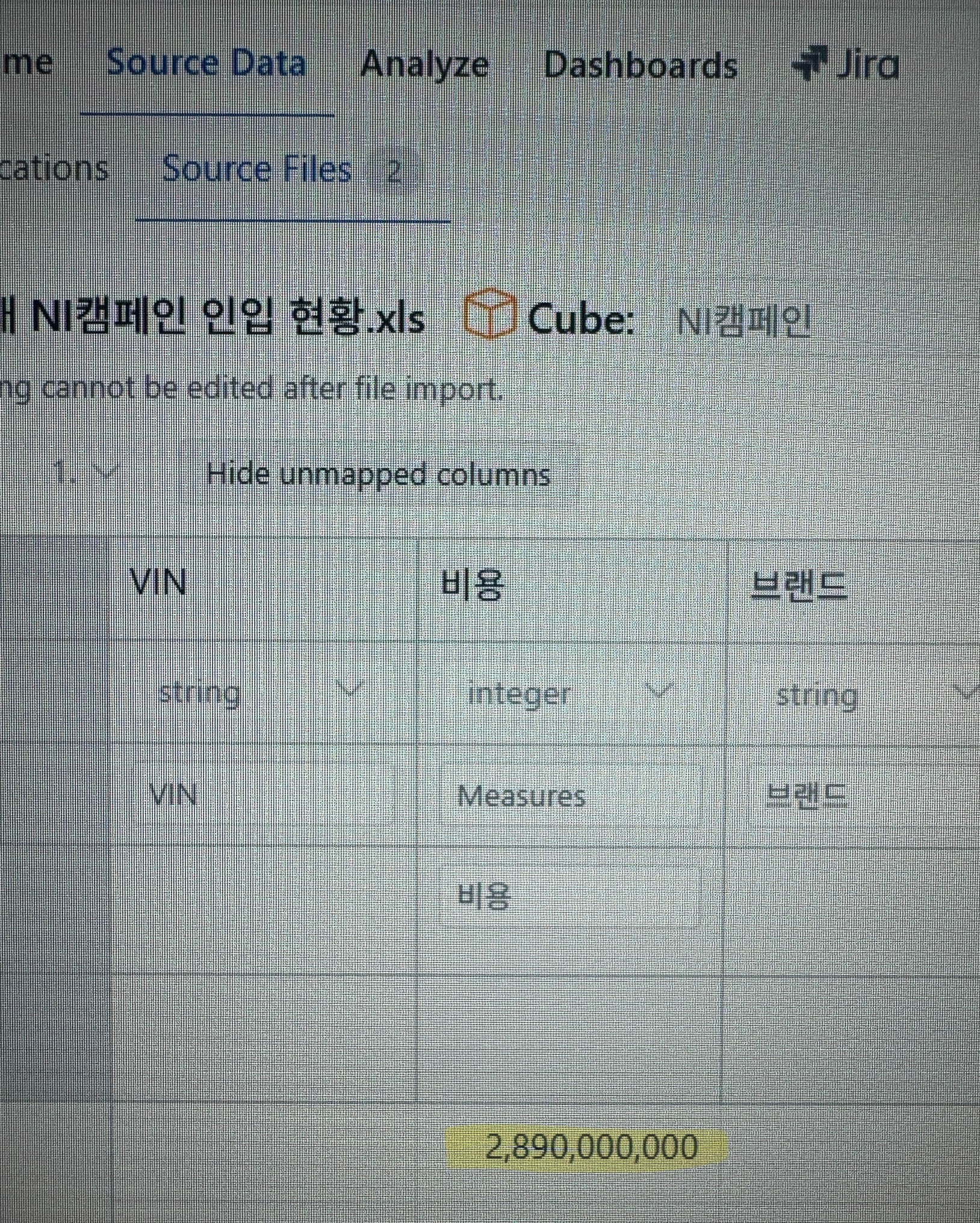
You might have noticed that the value looks similar to 2^31, which is the upper limit of the 4-byte integer data.
This means that you need to adjust the field data format.
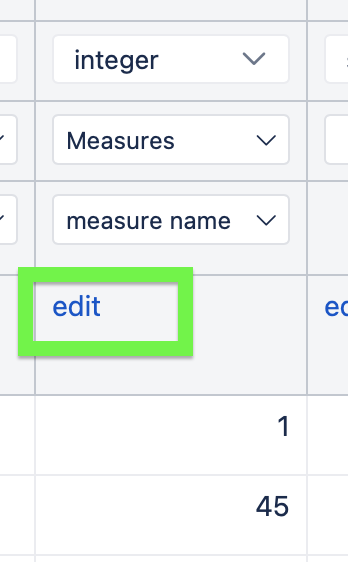
You need to delete the imported data to enable data mapping changes and then click on “edit” below the measure name.
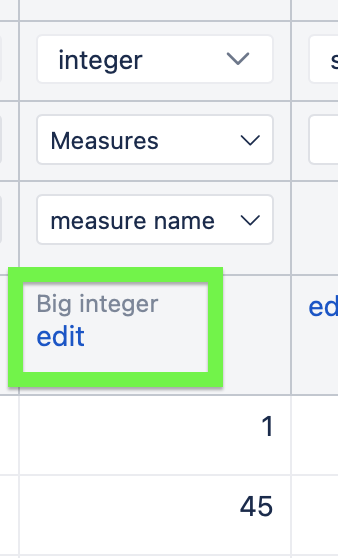
This will open a pop-up screen with an option to select this field to be a big integer.
Select this field to be a big integer and then perform a new data import. The field will now be able to store larger values.