Hi,
I’m having trouble displaying only one row of Excel source data, which consists of multiple rows. Please help me fix this.
Thanks.
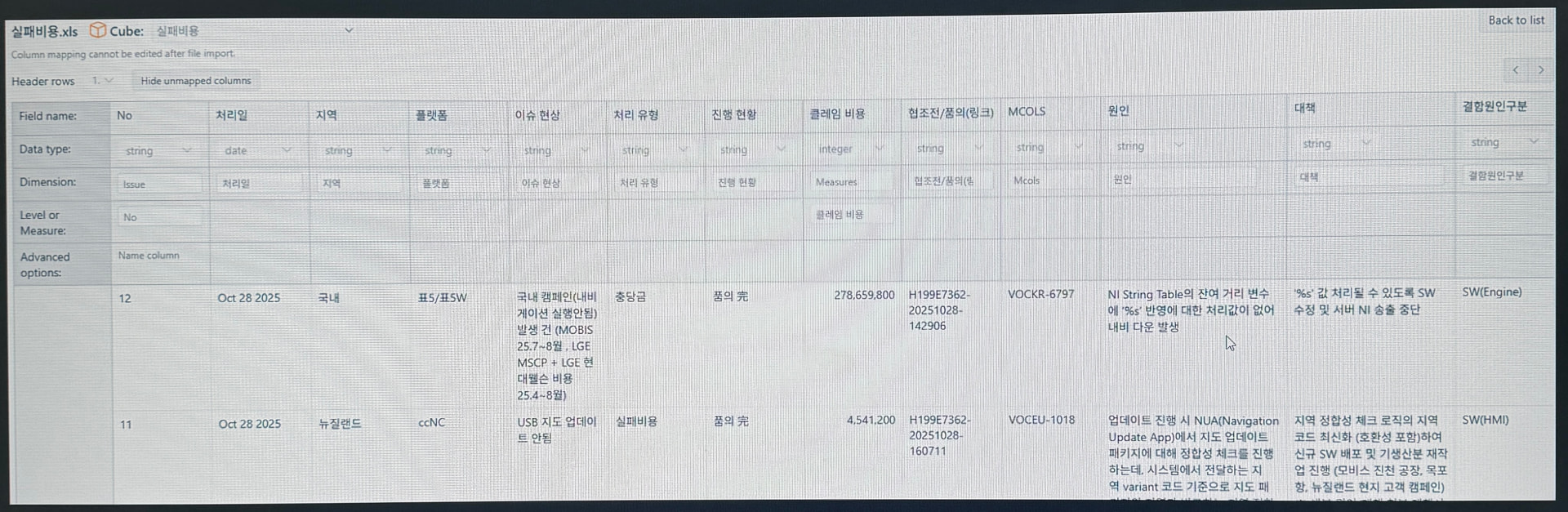
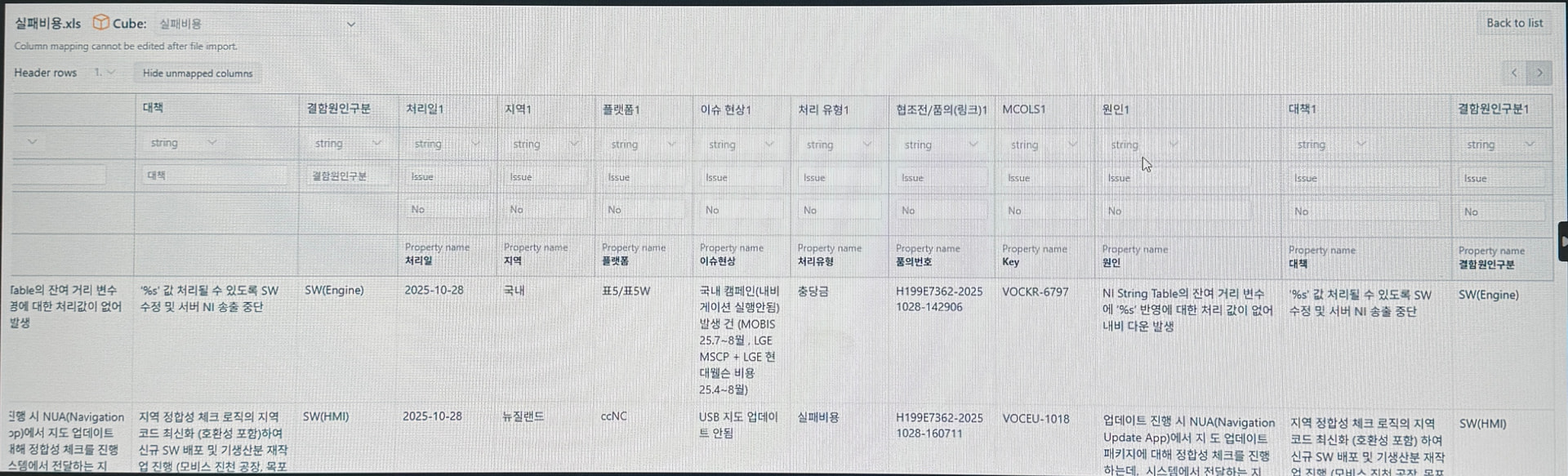

11/27 In other accounts it displays normally (under the same conditions).
Hi @pea4789
Thanks for posting your question!
Without seeing a report definition, I can only recommend a few things to try and see if that solves the issue:
If this still does not help, please reach out to us directly, referring to this Community post, and please share the report definiton Export and import report definitions
Best wishes,
Elita from support@eazybi.com
Thank you for your reply.