Hello everyone, I have a question a colleague asked me.
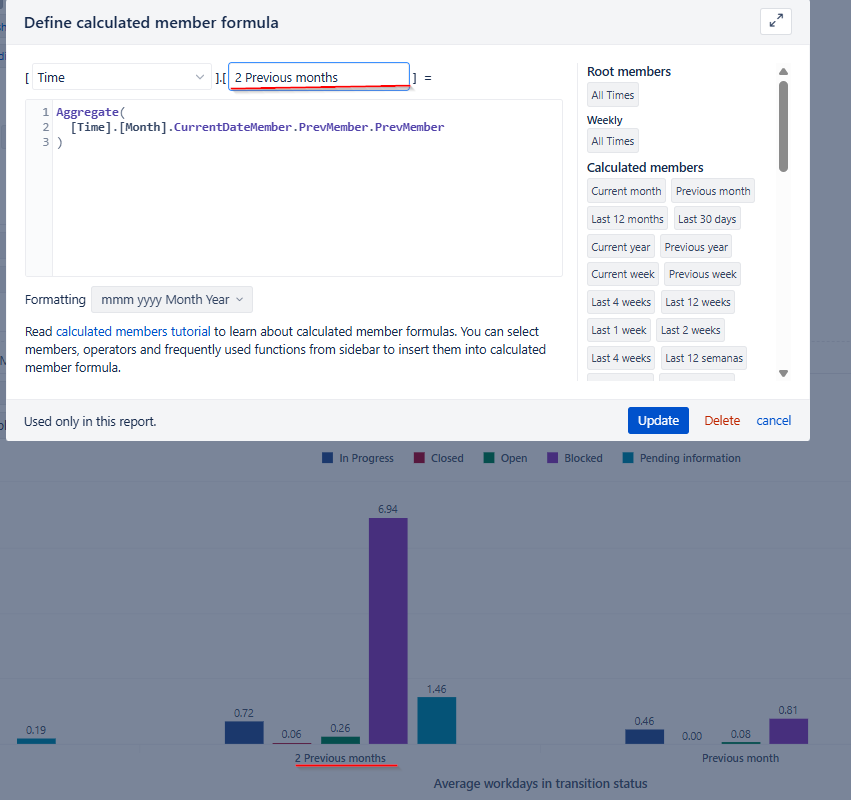
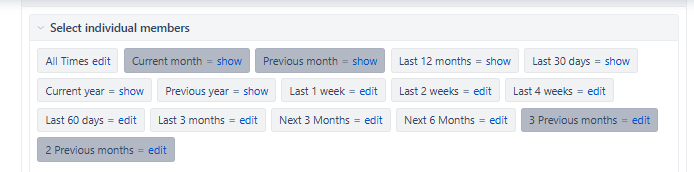
Is it possible to change the name of a variable created in the time dimension? I know it’s possible when creating or editing it, but my question is whether it’s possible to make that name dynamic. For example, instead of saying “Previous month” or “2 Previous months,” it should show the corresponding month. For example, if it’s December, should the chart show “November” or “October?” Perhaps with JavaScript, but I’m not sure.
Thank you very much.
Regards!
Hi @BenjaminMella
Thanks for posting your question!
Calculated member names cannot be changed dynamically.
But here is what I can recommend:
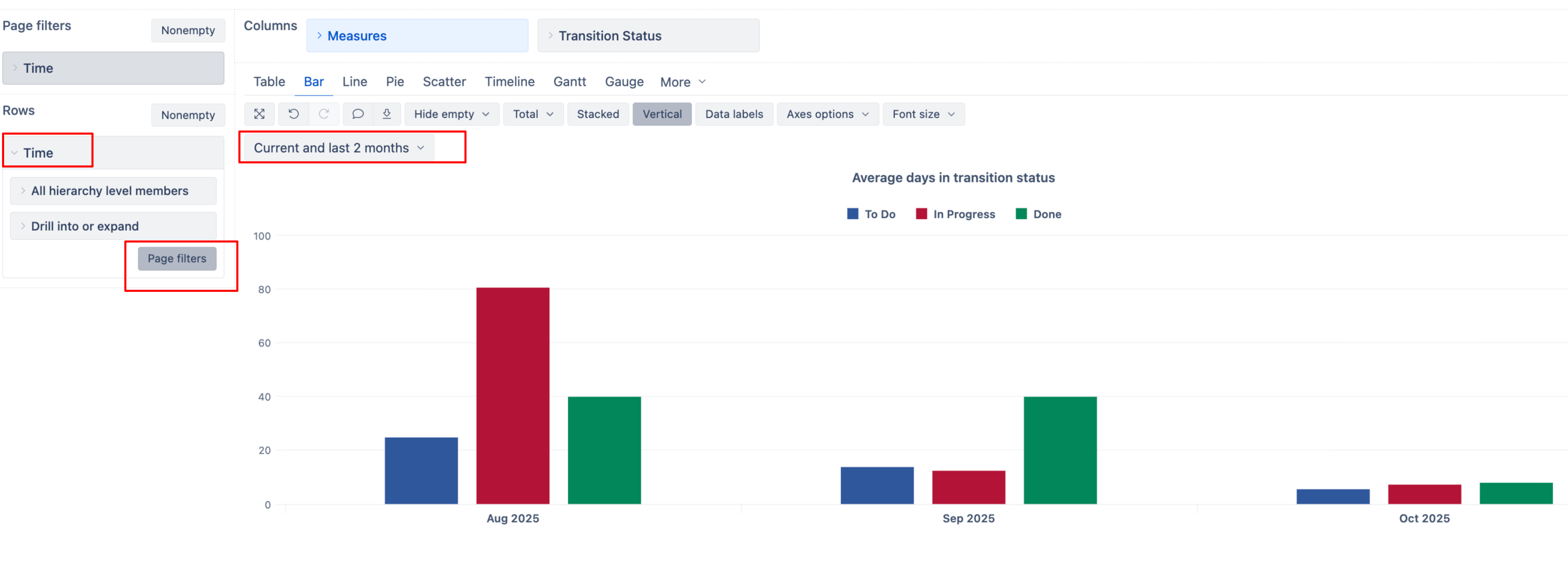
- Add the Time dimension to your report Rows
- Select the Month level from the hierarchy
- Click the “Pages” button to also add Time dimension to Page filters
In the Time dimension in Pages section, define a new Time member. This will create a Time member aggregating the current month and the previous two months (if you’ve never defined a member in Time dimension, please take a look at the documentation here - Calculated members in Time dimension ):
Aggregate(
{ ParallelPeriod([Time].[Month], 2, [Time].[Month].CurrentDateMember):
 [Time].[Month].CurrentDateMember})
Enable this selection and filter your report. This will dynamically show a period of 3 months (current and previous two months)
Best wishes,
Elita from support@eazybi.com