The issue is that sub-tasks need to inherit the custom link field value from their parent Task. You can fix this by adding update_from_issue_key = "parent_issue_key" to your custom field definition:
This tells eazyBI to pass down the “Story (via link)” value from Tasks to their sub-tasks, so sub-tasks can be correctly placed under their parent Task in the hierarchy.
After updating the advanced settings, re-import the data and the sub-tasks should appear under Tasks as expected.
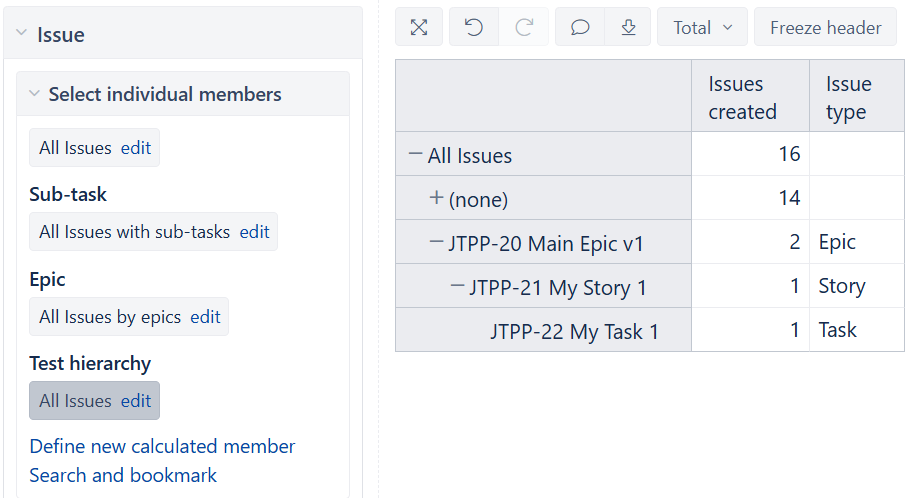
I’ve re-imported all issues multiple times but still no Sub-tasks in the report. The Sub-task has been imported and visible when displaying all issues:
The issue is that the hierarchy configuration needs an adjustment to correctly place sub-tasks.
The main change needed is to switch from outward_link to inward_link for your story link field - the link should be defined from the child’s perspective (Task “is child of” Story).
Make sure both new custom fields (“Epic Link Test” and “Story Parent Test”) are selected for import in the eazyBI data source import options. After updating the advanced settings, perform a full re-import.