Hello,
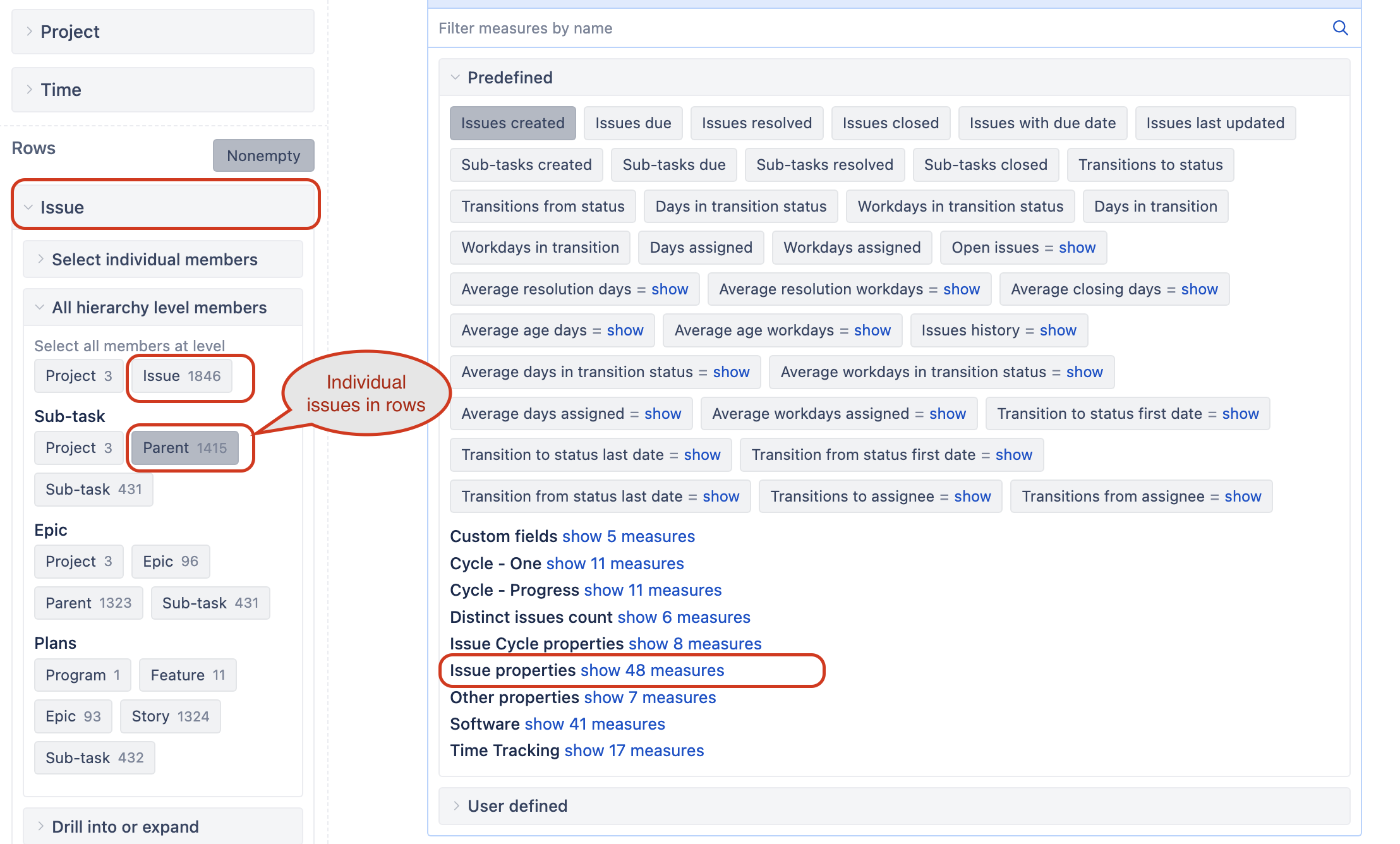
Attempting to create a table view of data directly from the jira ticket. This is not a metrics/#of issues report. rather just a tabular view of info - names of dev managers, names of assignees, etc. from the jira ticket.
Similar to below table.
Some fields below are custom fields and have been imported as both dimension and property yet when i use this formula it does not populate the values
[TPD Dev Manager].[TPD Dev Manager].GetMemberNameByKey(
[Issue].CurrentHierarchyMember.Get(‘TPD Dev Manager’)
)
| Launchpadid | Labels | Key | Summary | TPD State | Status | TPD Director | TPD Dev Manager | Due date | Committed date |
|---|---|---|---|---|---|---|---|---|---|
| Q1 2026 | Program1 | PDPMO-#### | Project 1 | Under Review | Requirements | Director1 Name | Dev Manager1 name | 16-Jan-26 | 31-Jan-27 |
| Q1 2027 | Program2 | PDPMO-#### | Project 2 | On Track | Development | Director2 Name | Dev Manager2 name | 16-Jan-26 | 31-Jan-27 |
| Q1 2028 | Program3 | PDPMO-#### | Project 3 | At Risk | Testing | Director3 Name | Dev Manager3 name | 16-Jan-26 | 31-Jan-27 |