Hello Community;
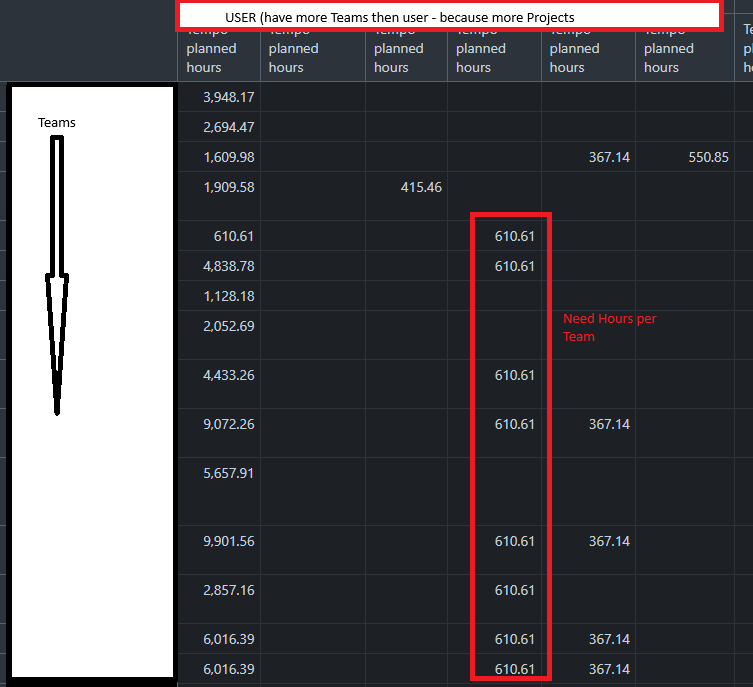
I need for my Planning an report “planned by Team-Member”
I have 15 employees they are in multiple Tempo-Teams.
I need a report by user :
- In which Tempo-Teams is he member?
- how many hours is he planned in that team.
but i don’t know to get the team- member from the Teams
as example
| Team Member |
Team 1 |
Team 2 |
Team 3 |
| A |
10h |
|
2h |
| B |
|
20h |
|
| C |
2h |
10h |
|
| D |
|
2h |
8h |
| E |
|
|
16h |
|
|
|
|
Hi,
You could consider importing and using the measure “Tempo planned hours,” then splitting it by the dimension “Logged by team” into columns.
Use the dimension “Logged by” in rows to show one row per user.
Martins / eazyBI support
Sorry for my stupid question → but I am new in it.
how can i Split the dimension “Looged by team” so that i can see only the “planned time” from This specific Team - I don’t know how to create the formula.
Hi @steinerw
You could create a new user-defined calculated measure with the following formula/syntax
(
[Measures].[Tempo planned hours],
[Logged by Team].[Team Name]
)
It would automatically filter the result for just one (specified team) as per formula rules.
Then select it in the report and avoid drilling through the “Logged by team” dimension later in the report.
Martins / eazyBI